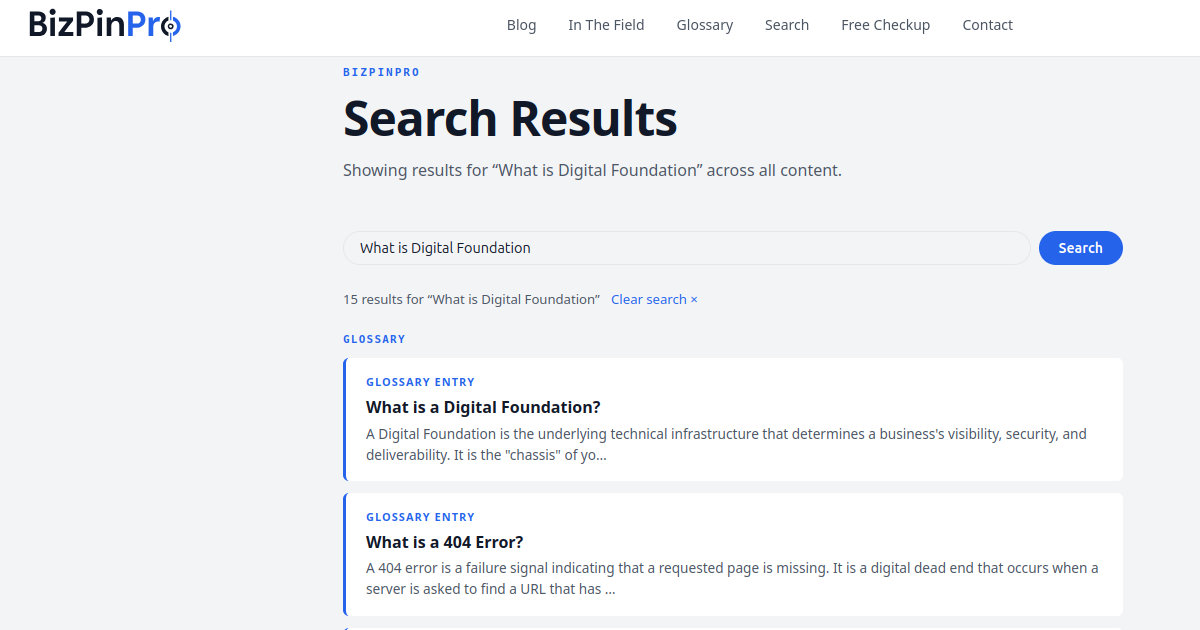
This is a follow up to this post - https://bizpin.pro/blog/the-schema-identity-crisis-your-business-isnt-just-a-website/
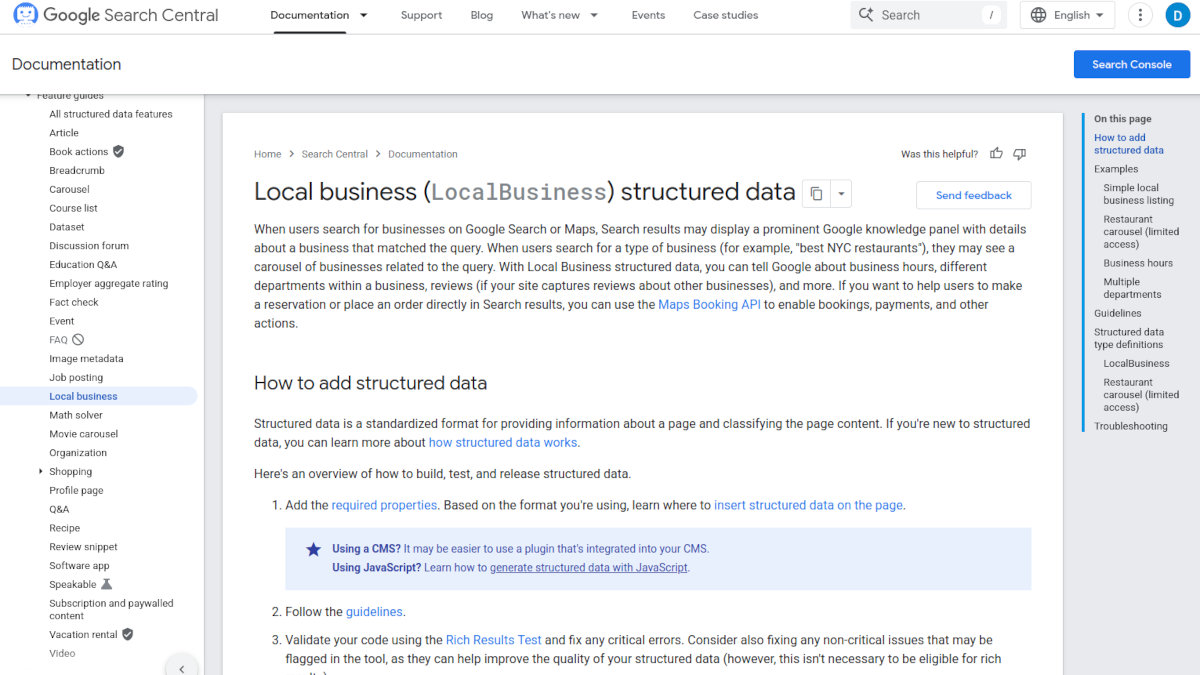
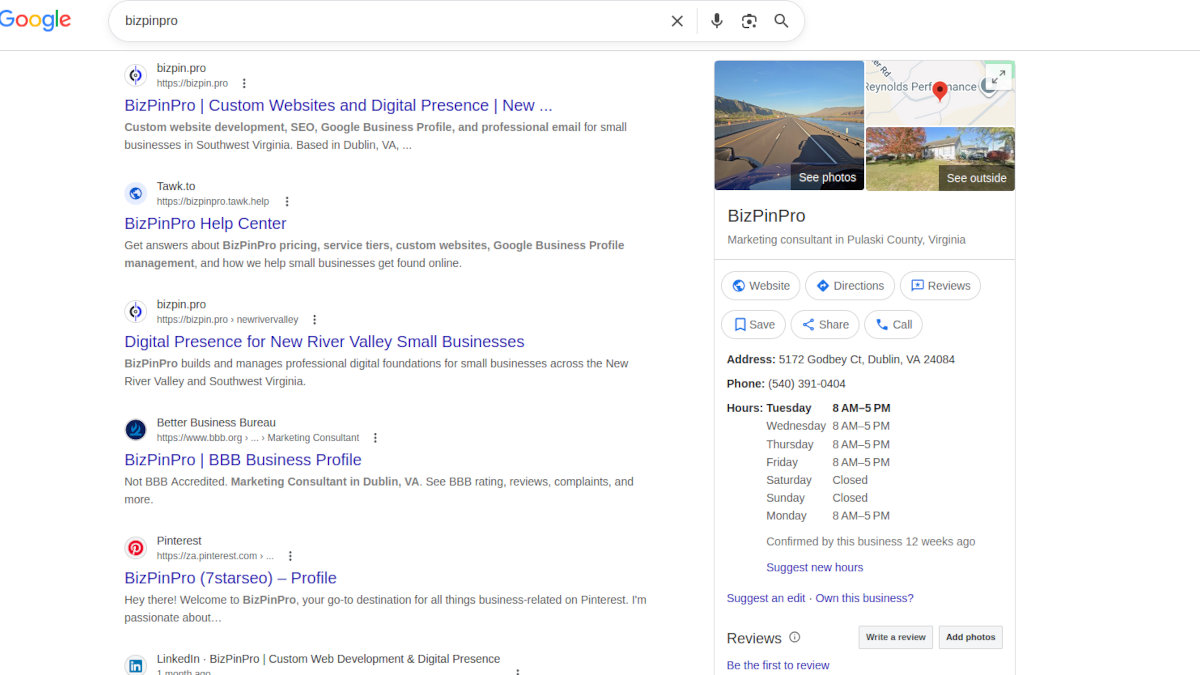
In their official developer documentation, Google confirmed exactly how they use LocalBusiness schema. They use it to populate the Knowledge Panel, the information box that appears when someone searches for your business by name, and also to feed local search carousels when someone searches for a service in your area. They cross-reference it against your Google Business Profile to build algorithmic trust. And when someone asks Google Assistant or Gemini a conversational question like "is this shop open on Sunday," the system prioritizes structured data to give a direct answer instead of guessing.
If your site does not have LocalBusiness schema, the AI assistant guesses. Sometimes it guesses wrong. And the person asking the question never knows they got bad information.
What Most Sites Actually Have
I audit websites every day. What I find most often is one of two things. Either no schema at all, which means Google is assembling whatever picture it can from the text on the page. Or a single WebSite schema type, which tells Google the site exists as a digital object but says nothing about the physical business behind it.
WebSite schema is not wrong. It describes the software container, the collection of pages. But it tells Google nothing about who owns those pages, where they operate, what they do, or who their customers are. It is the equivalent of telling someone you own a building without telling them what business is inside it.
A developer who delivers a site with only WebSite schema either does not understand what LocalBusiness schema does or chose not to implement it. Either way the business owner pays the price in rankings, Knowledge Panel accuracy, and AI search visibility they never knew they were missing.
The Specific Subtypes Matter
Google does not just want a LocalBusiness tag. They recommend using specific subtypes from the Schema.org vocabulary when they exist. A plumber should use Plumber. A mechanic should use AutomotiveBusiness. An HVAC company should use HomeAndConstructionBusiness. A church should use Church. A trucking company with a physical terminal should use LocalBusiness with specific service type properties.
The more specific the declaration, the more confident Google becomes about what the business does and who it should show the business to.
A generic LocalBusiness tag on a plumbing company is better than nothing. A Plumber tag is better than a generic LocalBusiness tag.
Specificity is the signal.
What This Changes
With properly implemented LocalBusiness schema your business tells Google exactly what it is, where it operates, what hours it keeps, and how to contact it. Google cross-references that against your Business Profile. When the signals align, algorithmic trust builds. Your Knowledge Panel populates accurately. Your business appears in local carousels for relevant searches. AI assistants can answer conversational questions about your business with confidence instead of guessing.
Without it, Google is guessing at all of those things. It usually gets close enough that nothing looks obviously wrong. But close enough is not the same as correct, and in local search the difference between close enough and correct is the difference between appearing in results and not appearing at all.
Check Your Own Site
The domain checker at bizpin.pro/check now includes schema markup validation. Enter your domain and you will see exactly what schema types are present, what is missing, and whether there are errors in the markup that is there.
If your site only shows WebSite schema, or shows nothing at all, your business is a stateless website floating in digital space without an address. Google is doing its best with what it has.
Give it something real to work with.
---
Source:
Google Developer's Blog | Local business (LocalBusiness) structured data - Archive